





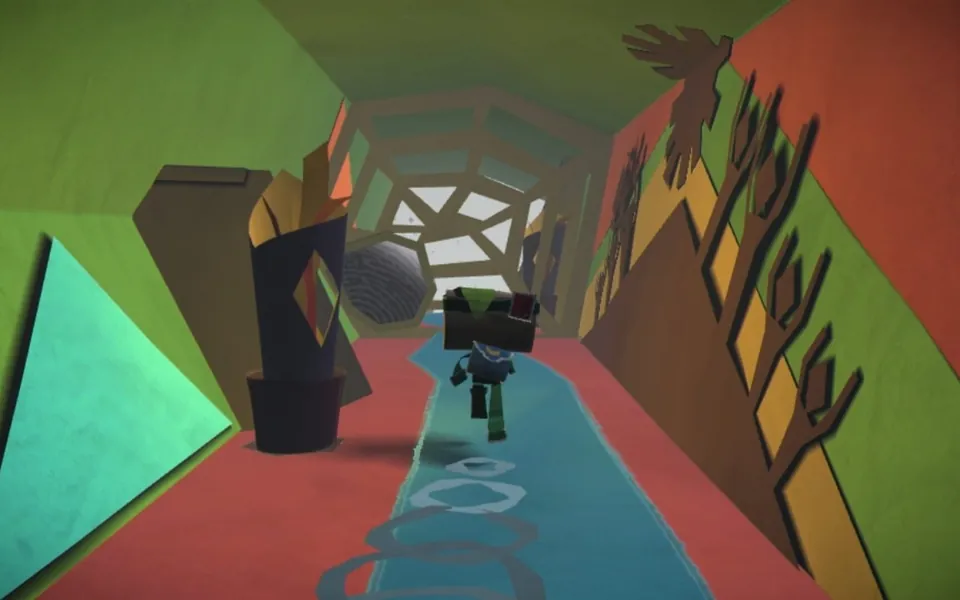
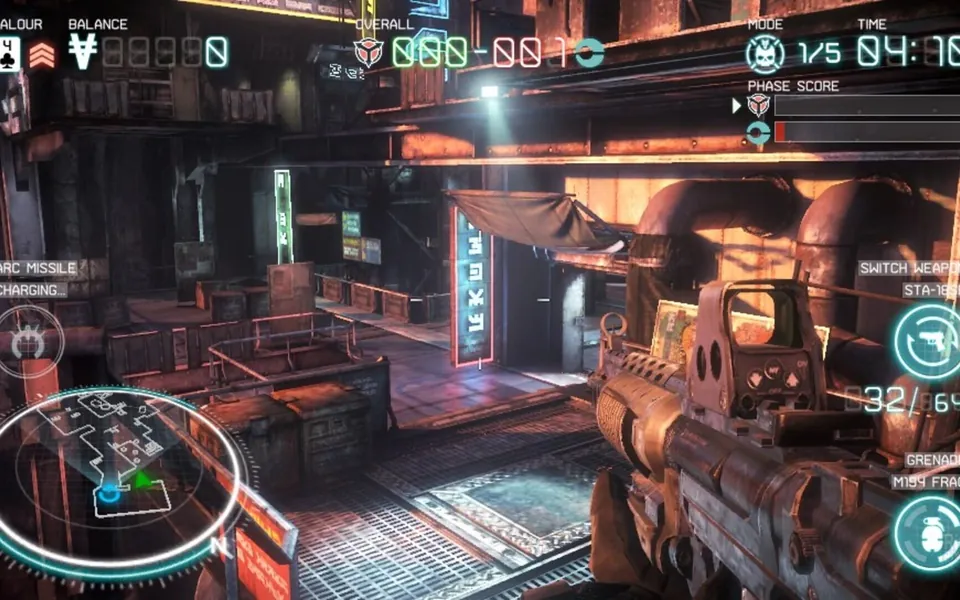

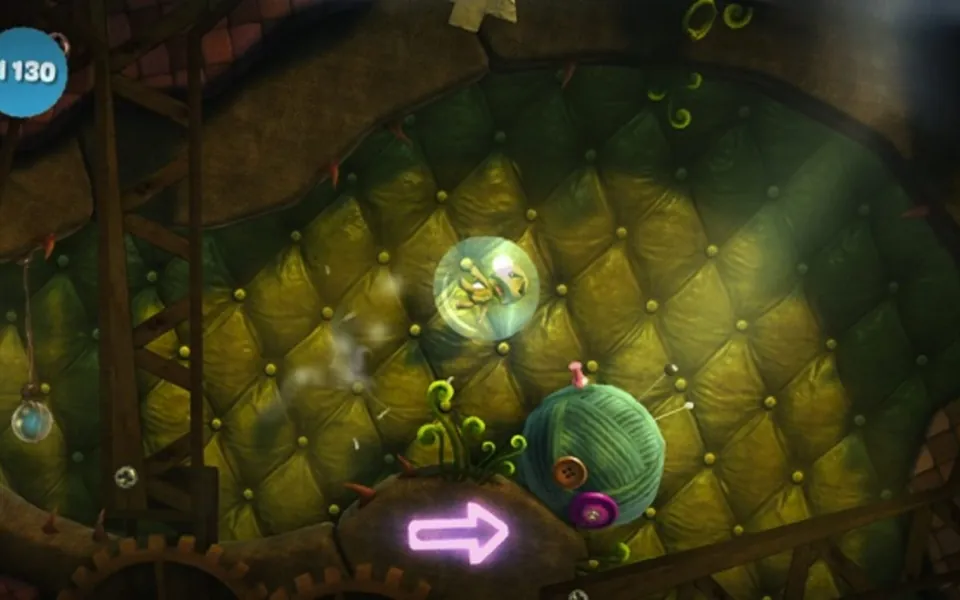

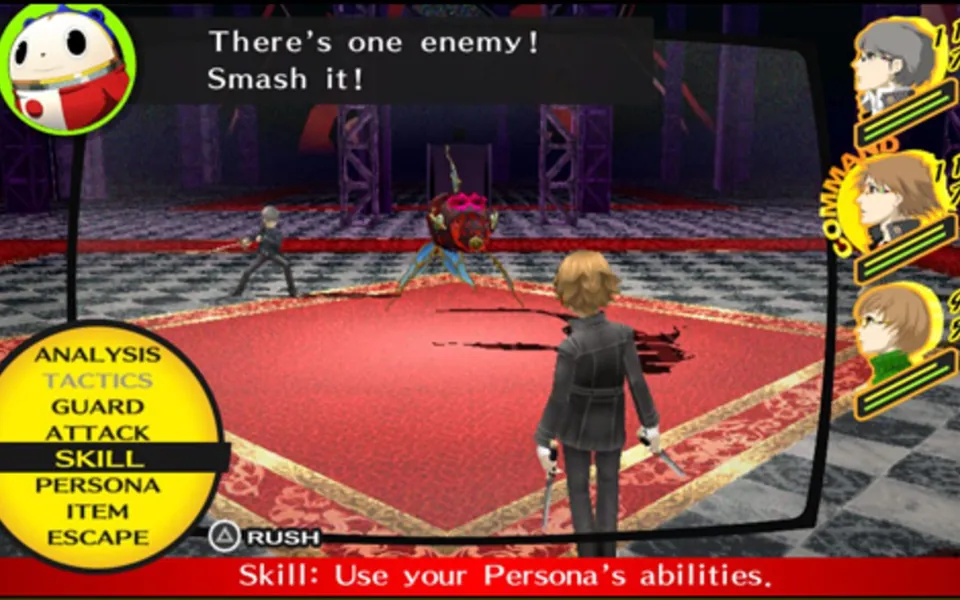





01
A place for your collection
Browse installed games, find recent titles, and keep game information together in an Android-focused library.
PlayStation Vita emulation for Android
A PS Vita library and emulator for Android 10+. Organize your own games, configure controls, and keep setup in one place.
Android 10+ · Vulkan · VPK / PKG / ZIP
Developed by EmuCore
Built on Vita3K. Moving forward with ECV.
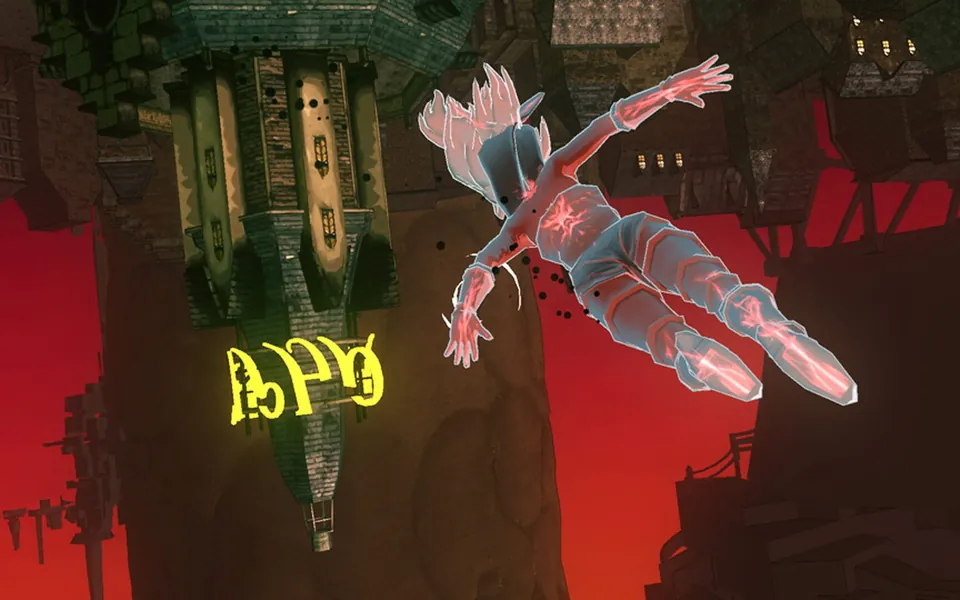
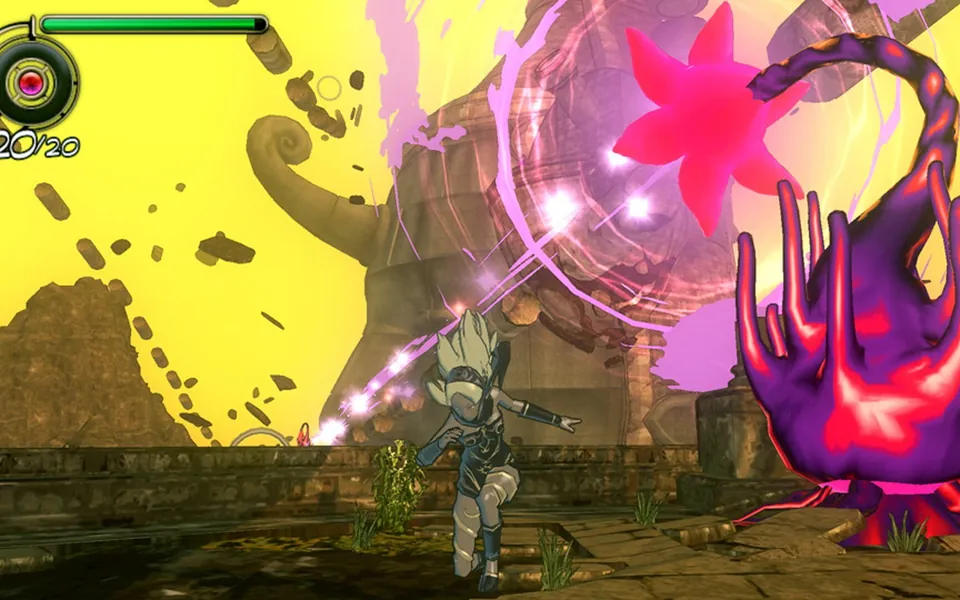
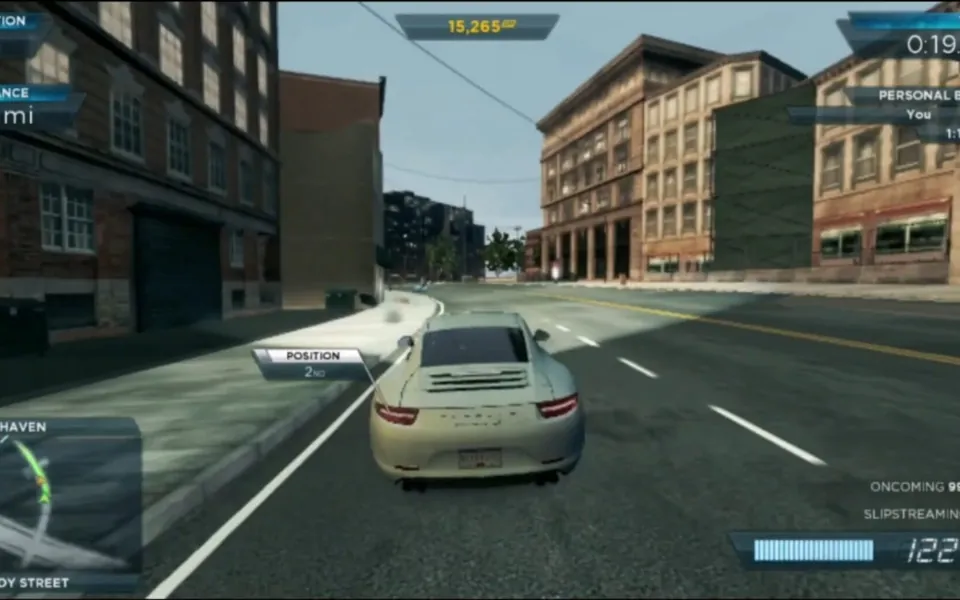
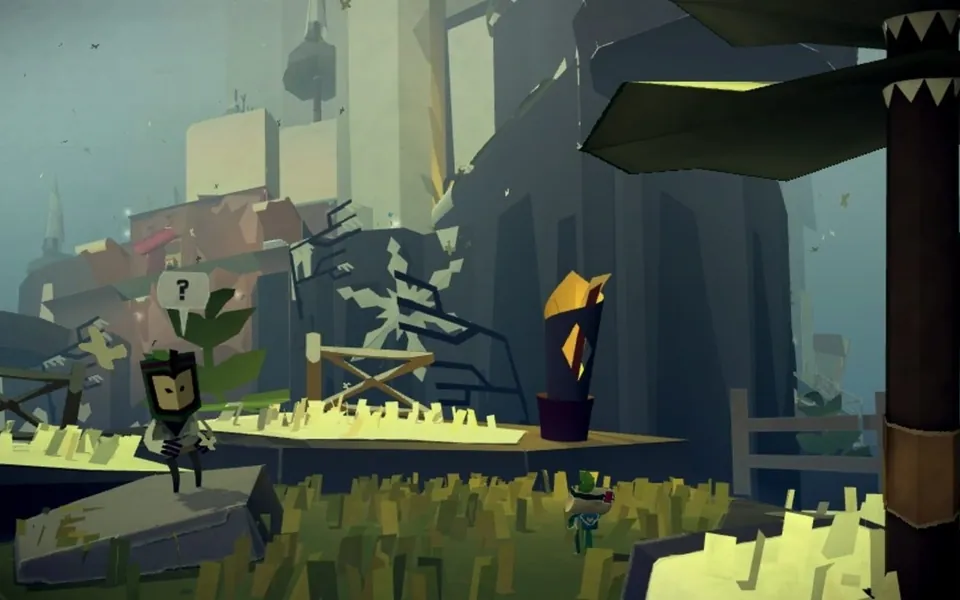
Game screenshots via IGDB. Not captured in EmuCore.
01 / The experience
From the first setup to your next session, EmuCoreV keeps the tools you need close to your library.
Browse installed games, find recent titles, and keep game information together in an Android-focused library.
Configure the touch overlay or connect a supported controller. Adjust the layout around your device and the way you play.
Fine-tune graphics, resolution, and device settings for each game. Performance depends on your hardware, drivers, and the title.
Vita3K’s upstream reports describe their tested environment and are not Android or EmuCoreV compatibility guarantees. Device, driver, core, and game results can differ.
In development
Vita3K → EmuCore02 / The core, moving forward
ECV is based on Vita3K and developed further by EmuCore, with its own fixes and improvements for EmuCoreV. The work builds on the contributions of the Vita3K developers and community.
ECV 0.3 is in development. It is separate from the current public app release and is not available as a released build yet.
Original copyrights, license terms, and source attribution remain with their respective authors. EmuCoreV is an independent project.
Upstream license ↗03 / Getting started
Current development requires Android 10 (API 29) or later. Prepare your own files and configure the experience for your device.
Get an APK from a published GitHub Release below. Check that build’s minimum Android version, file name, and release notes. Choose an architecture-specific build only when it matches your device.
Follow the app’s firmware setup, then import your legally obtained games and any required licenses. VPK, PKG, and ZIP import flows are available in the app.
Configure touch or controller input, start with the default graphics settings, and adjust one option at a time for your device and game.
Games, firmware, and commercial license files are not included. Use content you own and are entitled to use. Compatibility and performance vary.
04 / Release center
Version details, release notes, and APK files come directly from the project’s published GitHub Releases. Current development requires Android 10+ (API 29+); older published APKs retain their own Android requirements and remain available in the history.
Loading releases...
Published release data from GitHub.
No. EmuCoreV does not provide commercial games, firmware, or license files. You need your own legally obtained content and any files required by the app’s setup.
No. Current development requires Android 10 (API 29) or later, but meeting this minimum does not guarantee game compatibility. Results depend on the game, core version, device, GPU driver, and settings. An upstream report is not a device-specific guarantee.
ECV is the Vita3K-based core developed further by EmuCore. Version 0.3 is currently in development, with EmuCore’s own fixes and improvements. It is not the version number of the current public app release.
You can browse the website and download public builds without signing in. An account is used for features such as game comments and ratings in the web catalog.
Use the project’s GitHub issues or Discord community. Include your app version, game title or ID, Android version, device, GPU driver, and the steps that reproduce the problem. Do not share private files or account credentials.